
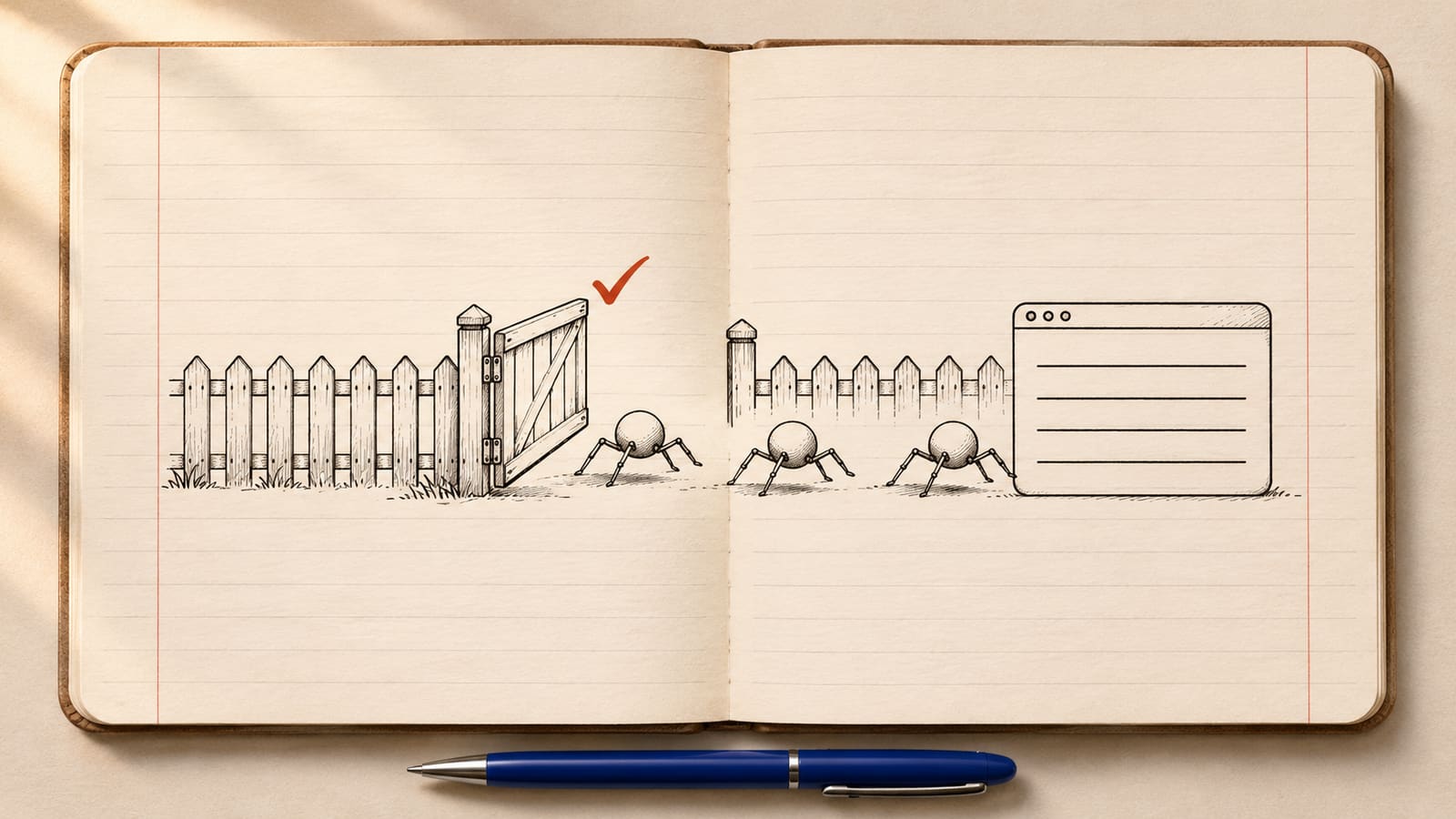
Ask ChatGPT about your business and the answer can come from two places: what the model learned in training, or pages it reads live. LLM SEO is the work of publishing the right facts about you where both can reach them. The first check is robots.txt, a small file on your site that tells bots which pages they may visit. One wrong line in it can keep an AI assistant off your site.
LLM stands for large language model, the kind of AI behind ChatGPT, Gemini, Claude and Perplexity. You will also see related names: AEO, answer engine optimisation, and GEO, generative engine optimisation. We compare AEO with SEO and GEO with SEO in separate guides.
Two ways an AI model knows about you
What the model learned in training
A model learns from a large collection of web text gathered up to a fixed date. Anthropic, for one, lists a training data cutoff for each of its Claude models. Changes you made to your site after that date are not in what the model learned.
Crawlers, programs that visit web pages automatically, gather that text. OpenAI says its GPTBot crawls content that may be used in training its models. Anthropic's ClaudeBot collects web content that could contribute to training its models.
Say you run a dental clinic in Pune and moved from Kothrud to Baner last year. A model trained before the move can still give the Kothrud address when it answers from memory.
What the model reads live
When a question needs current information, the assistant can search the web and read the pages it finds. Claude's help page says web search bases its answers on content from the live web, with source links you can check. Google says its Gemini apps can draw on content from the Google Search index, its store of web pages, at the moment you ask.
Live reading is where your current website matters. If an assistant can read your pages, it can give today's address and services, and link to you. If a rule keeps it out, the answer has to come from somewhere other than your site as it is today. Gemini's help page notes that not all responses include related links or sources.
Which bots read your site, from each company's own documentation
AI companies run separate bots for separate jobs: training, search, or opening a page a user asked about. You can allow one and block another in robots.txt. OpenAI says each setting is independent of the others.
| Bot | Company | What it does | If you block it |
|---|---|---|---|
| GPTBot | OpenAI | Crawls content that may be used to train OpenAI's models | OpenAI reads it as: do not use this site for training |
| OAI-SearchBot | OpenAI | Finds sites to show in ChatGPT search | Your site is left out of ChatGPT search answers, though ChatGPT can still show a plain link to it |
| ChatGPT-User | OpenAI | Opens a page when a ChatGPT user's question needs it | OpenAI says robots.txt rules may not apply, since a user started the visit |
| ClaudeBot | Anthropic | Collects content that could be used for training | Anthropic reads it as: leave your future pages out of training |
| Claude-SearchBot | Anthropic | Reads pages to improve Claude's search results | Anthropic says your visibility in search answers may drop |
| Claude-User | Anthropic | Fetches a page when a Claude user asks | Claude cannot read your page for that user |
| PerplexityBot | Perplexity | Finds and links sites in Perplexity's search; not used for training | Perplexity recommends allowing it if you want to appear in results |
| Perplexity-User | Perplexity | Visits a page when a user asks a question | Perplexity says it generally ignores robots.txt |
| Googlebot | Crawls for Google Search, including its AI answers (AI Overviews and AI Mode) | Google cannot crawl your pages for Search | |
| Google-Extended | A robots.txt setting, not a separate crawler, for Gemini training and Gemini answers that use Search | Google says it does not affect inclusion in Search and is not a ranking signal |
The Perplexity rows come from Perplexity's crawler page. For Google, AI is part of Search, so robots.txt rules for Googlebot are the control for AI Overviews and AI Mode too.
Google's own guide says robots.txt cannot enforce crawler behavior; each crawler decides whether to obey. OpenAI and Perplexity also say their user bots may not follow robots.txt, since a person asked for the page.
Allow or block: your robots.txt choices
In robots.txt, a bot may crawl unless a rule names it or a rule covers all bots. So a file with neither does not stop these bots, though your hosting still can, as explained below.
- Allow everything. This suits a business that wants to be found and quoted. Your pages may also end up in training data.
- Block training, allow search. You add these lines and leave the search bots alone:
User-agent: GPTBot
Disallow: /

User-agent: ClaudeBot
Disallow: /
These lines do not touch the search bots, so ChatGPT, Claude and Perplexity search can still reach your pages if nothing else blocks them. In return, your future pages stay out of OpenAI's and Anthropic's training data, so future models learn about you from other sites.
- Block Google-Extended as well. Google says it is not a ranking signal and does not impact a site's inclusion in Google Search. The same page says the setting covers Gemini answers that use Search, so Gemini Apps may not use your pages when they answer.
The company that hosts your website can block bots too. Google's basics include allowing crawling in robots.txt, and by any CDN or hosting infrastructure, meaning the services that store and deliver your site. A firewall, a security filter at your host, can turn a bot away even when robots.txt allows it. If your site runs through Cloudflare, check its AI Crawler and Agent access policies. They set Block or Allow for search, agent and training traffic separately.
Watch for two lines that tell every bot, Googlebot included, to stay out: User-agent: * followed by Disallow: /. Our guide to a website not showing on Google explains how to spot it.
What llms.txt is, and what Google says about it
llms.txt is a proposal by Jeremy Howard, first published in September 2024. It suggests a text file at yoursite.com/llms.txt, written in Markdown, a simple text format. The file holds a short summary of the site and links to clean text versions of its pages. Its own page says the file is used most for software manuals, where AI coding assistants follow it.
Google says you don't need to create new machine readable files, AI text files, or markup to appear in its AI Overviews or AI Mode. None of the crawler pages from OpenAI, Anthropic or Perplexity says their bots read llms.txt to choose sources.
An llms.txt file is optional. It does not replace pages the bots are allowed to read. If someone sells you an "llms.txt package" as the main fix, ask them which assistant documents using it.
Steps for LLM SEO on your own site
- Open
yourwebsite.com/robots.txt, or ask your web developer to. Check whether GPTBot, OAI-SearchBot, ClaudeBot, Claude-SearchBot, PerplexityBot or Google-Extended appear with a Disallow line, then pick a setup above on purpose. - Ask whoever runs your hosting or Cloudflare account whether any bot or AI setting blocks crawlers.
- Check in Google Search Console, Google's free tool for site owners, that Google has your main pages. AI Overviews and AI Mode only link pages that are indexed and eligible to be shown with a snippet. That means pages Google has stored and may show with a short text preview.
- Put the facts an assistant needs in plain text on your pages: name, services, city and area, phone, hours. Google asks that important content is available in textual form. Type your rates on the page as text, even if you also show a photo of the rate card.
- Keep those facts the same on your site, your Google Business Profile and the directories that list you. If your site says Baner and an old listing says Kothrud, an assistant reading both can repeat the wrong one, so update the old listing.
- If you add structured data, code that labels your details for search engines, check it matches the visible text on the page.
- Ask the assistants yourself. Type your business name, and your main service with your city, into ChatGPT, Gemini, Claude and Perplexity. Note what they say and which pages they link.
Questions owners ask
What does LLM SEO mean?
LLM stands for large language model, the type of AI behind ChatGPT, Gemini, Claude and Perplexity. LLM SEO means helping these models reach your pages and find correct facts about your business. For its own AI features, Google says the usual SEO basics apply. For other assistants, the main extra step is deciding which AI crawlers to allow.
Should I block GPTBot on my website?
Block GPTBot only if you do not want your pages used to train OpenAI's models. OpenAI runs GPTBot and OAI-SearchBot as separate settings, so blocking GPTBot does not remove you from ChatGPT search. Leave OAI-SearchBot allowed if you want ChatGPT search to show your site.
Does blocking Google-Extended affect my Google rankings?
No. Google says Google-Extended does not affect inclusion in Google Search and is not a ranking signal. It controls whether Google can use your content to train Gemini models and to support Gemini's answers. That covers Gemini Apps and Vertex AI, Google's AI service for developers.
Do I need an llms.txt file for AI search?
Google says you do not need new AI text files to appear in AI Overviews or AI Mode. llms.txt is an optional proposal, used mostly for software manuals. Pages the AI crawlers can reach, with your facts in text, come first.
How long does ChatGPT take to notice a robots.txt change?
OpenAI says its search systems can take about 24 hours to adjust after you update robots.txt. Perplexity says its systems may take up to 24 hours to reflect changes. A robots.txt change controls crawling; it does not change what a model already learned in training.
Can I control what ChatGPT says about my business?
You cannot make an assistant describe your business a particular way. You can let the assistants read your pages, keep your facts current and in text, and make sure other sites list the same details.
Check which AI bots your site lets in
Our free report checks whether your robots.txt allows the AI crawlers and whether bot protection blocks them. It also checks which pages Google can list in its results, the structured data on your home page, and whether Google AI Overviews name you. It reads your home page and up to 10 pages the way a phone sees them. You get an email summary within a working day.
Sources
- platform.claude.com/docs/en/models/overview
- developers.openai.com/api/docs/bots
- support.claude.com/en/articles/8896518-does-anthropic-crawl-data-from-the-web-and-how-can-site-owners-block-the-crawler
- support.claude.com/en/articles/10684626-enable-and-use-web-search
- developers.google.com/crawling/docs/crawlers-fetchers/google-common-crawlers
- support.google.com/gemini/answer/14143489
- docs.perplexity.ai/docs/resources/perplexity-crawlers
- developers.google.com/search/docs/appearance/ai-features
- developers.google.com/search/docs/crawling-indexing/robots/intro
- developers.cloudflare.com/bots/additional-configurations/block-ai-bots
- llmstxt.org